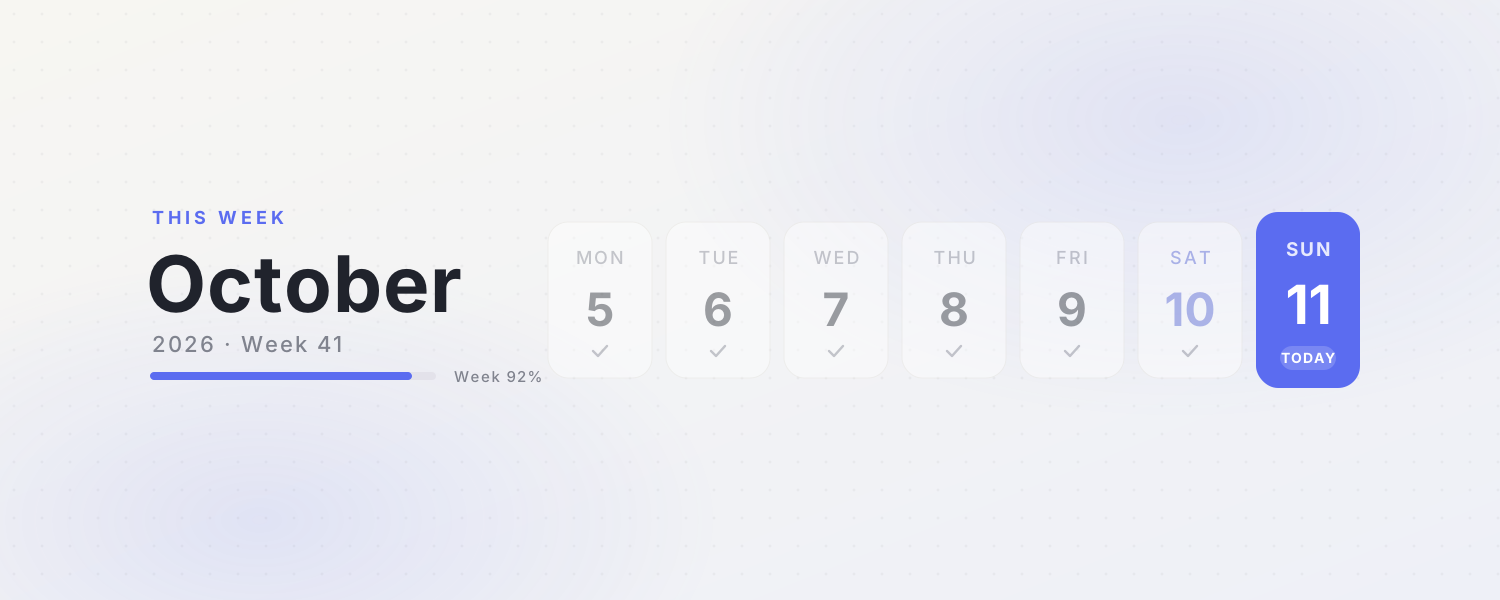
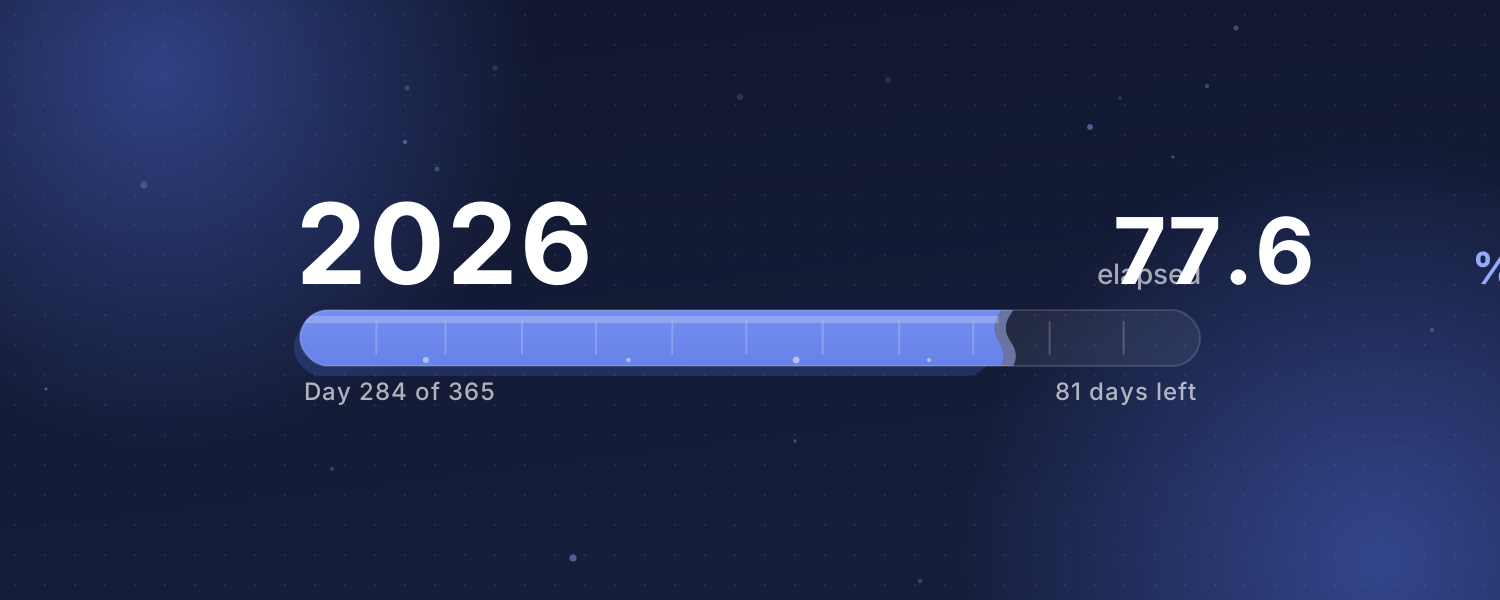
Date and progress covers that update every day: this week's calendar, year progress and a countdown banner. Copy the image link and paste it in Notion under Change cover → Link.
Animated covers (3)
This Week — A clean weekly calendar cover with the month, week number and progress. Today's card glows softly
Year Progress — How much of this year, month or week has passed? A liquid bar fills up on Beijing time with a gently rippling surface
Countdown Banner — Pick an important day and the cover shows how many days are left, with floating confetti. Afterwards it counts the days since
Add it to Notion in 3 steps
Pick an animated background:Choose one from the animated background library, click Create and sign in.
Set it up:Set the title, date, colors and other options.
Use it as your Notion cover:Copy the image link, then in Notion click Change cover → Link and paste it. The cover changes with the time by itself.