Showing off projects in your GitHub profile README or a Notion portfolio? The repo card shows a description, language, stars and forks; the contribution graph shows the past year with totals and streaks; the stats card sums up stars, repos, followers and top languages. Each one copies into a README in one click.
For the top of a README there's an animated banner, a typewriter headline and floating tech stack tags, plus Hi and status stickers. There are also Hacker News profile cards and Qiita / Zenn / note cards.
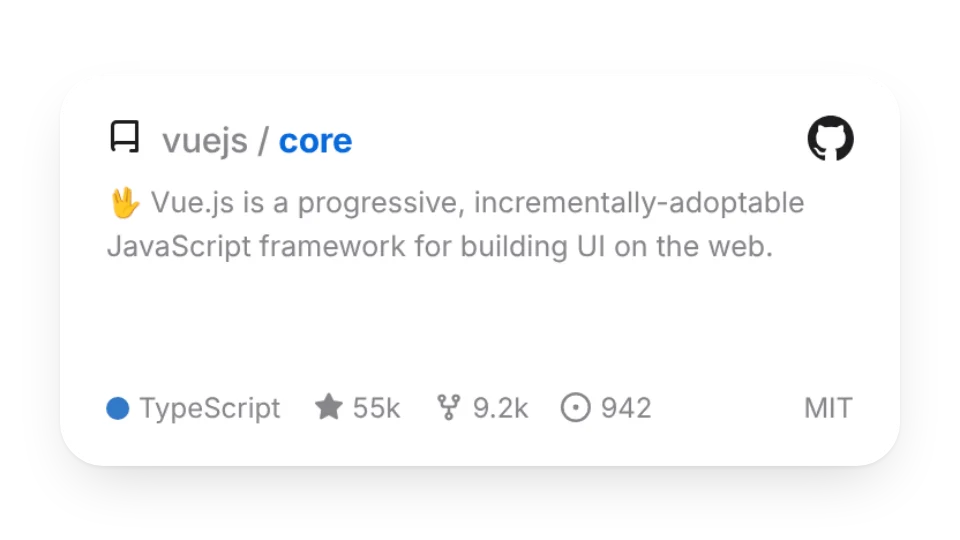 GitHub Repo CardShows a repo's description, language, stars and forks. Copy it into your README in one click
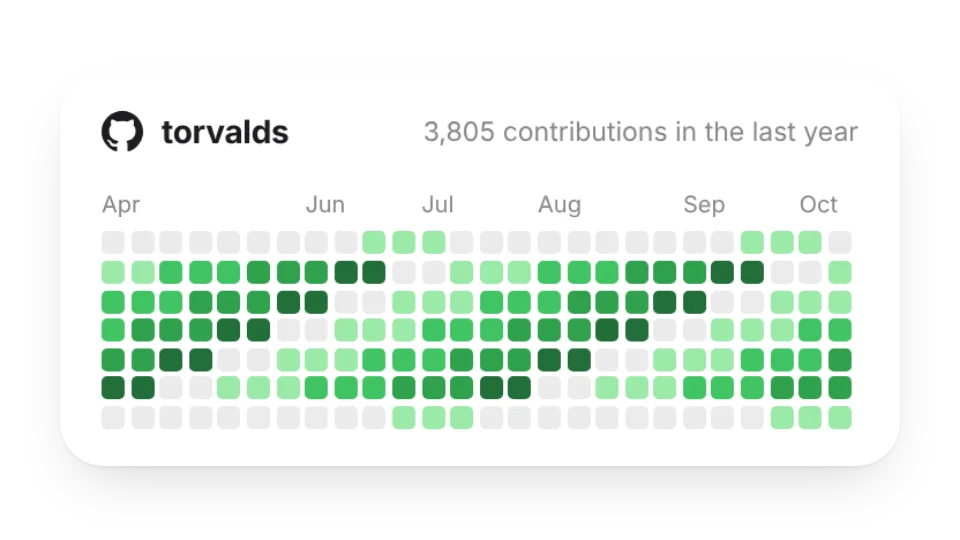 GitHub Contribution GraphYour GitHub contributions over the past year, with totals and streaks. Copy it into your README in one click
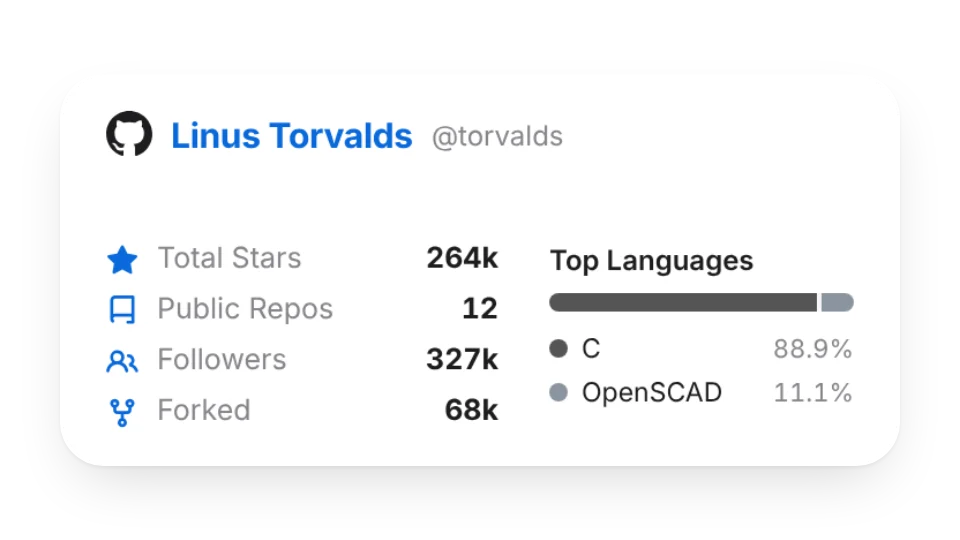 GitHub Stats CardStars, repos, followers and top languages for a GitHub account. Copy it into your README in one click
 Hacker News ProfileShow a Hacker News user's karma, join date, bio and recent stories — just enter a username
 Qiita / Zenn / note CardShow your Qiita, Zenn or note profile with followers, article count and latest posts — just enter a username
 README BannerAn animated header for your GitHub README or Notion page: a shimmering gradient title, a tagline and flowing waves. Looks great in light and dark
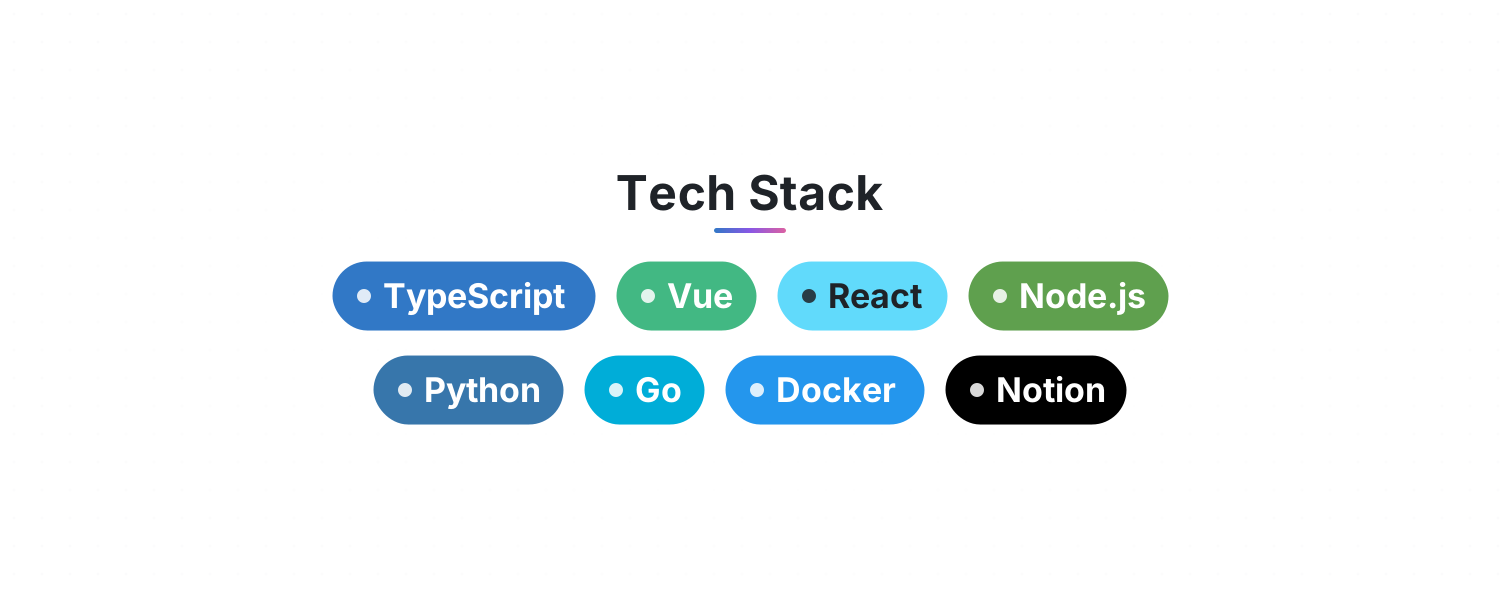 Tech StackList your skills and get rows of gently floating, brand-colored tags for your GitHub README or Notion page
 Typewriter HeadlineLines type out, pause, delete and loop with a blinking cursor. Perfect for an intro or tagline at the top of your README
Open a card, then click Create widget. You'll need to sign in — an email code is all it takes.
Change the text, colors, size and other options in the editor. The preview updates as you go.
Click Copy link, type /embed on a Notion page and paste it (or paste the link and choose Embed). Drag the corners to resize.