
Text and intro covers for Notion home pages and GitHub READMEs: an animated README banner, a typewriter headline, tech stack tags and a quote of the day. Copy the image link and paste it in Notion under Change cover → Link.
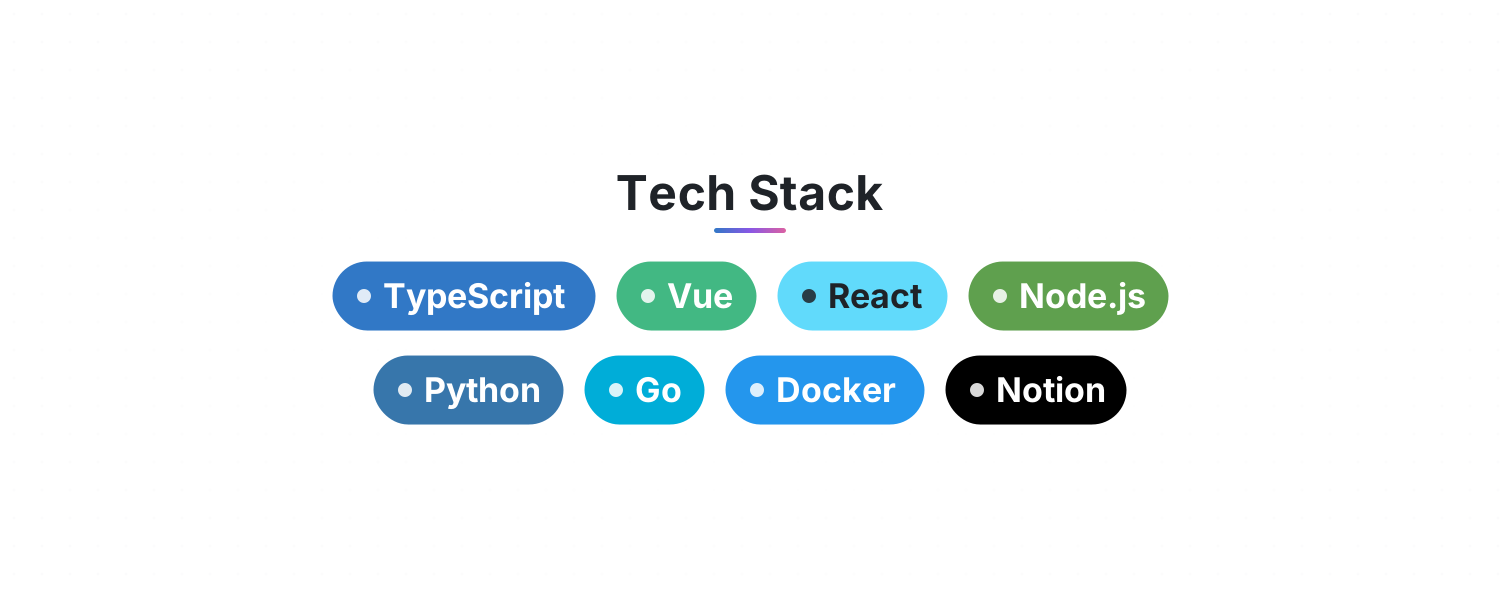 Tech StackList your skills and get rows of gently floating, brand-colored tags for your GitHub README or Notion page
 Typewriter HeadlineLines type out, pause, delete and loop with a blinking cursor. Perfect for an intro or tagline at the top of your README
 README BannerAn animated header for your GitHub README or Notion page: a shimmering gradient title, a tagline and flowing waves. Looks great in light and dark
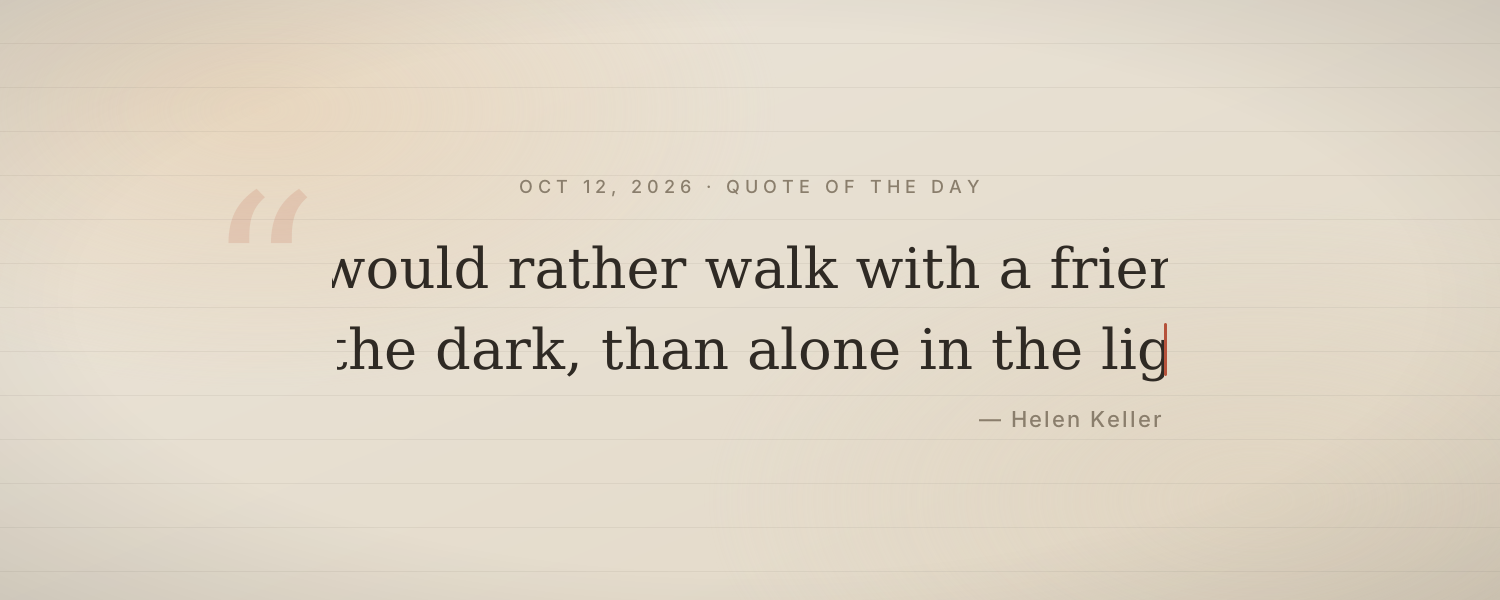 Quote of the DayA quote types itself out each day with its author on soft paper. About 60 Chinese and 60 English quotes rotate by date
Choose one from the animated background library, click Create and sign in.
Set the title, date, colors and other options.
Copy the image link, then in Notion click Change cover → Link and paste it. The cover changes with the time by itself.