
Can't decide? Put your options on the Decision Wheel and spin. To bring a heading to life, type out phrases with the Typewriter Animation or show your name with Animated Text; the LED Marquee is handy for a scrolling notice.
 Daily Horoscope (for fun)Pick a star sign for a gentle daily tip, three little star ratings and a lucky color and number. Generated at random each day by WidgetStore, just for fun
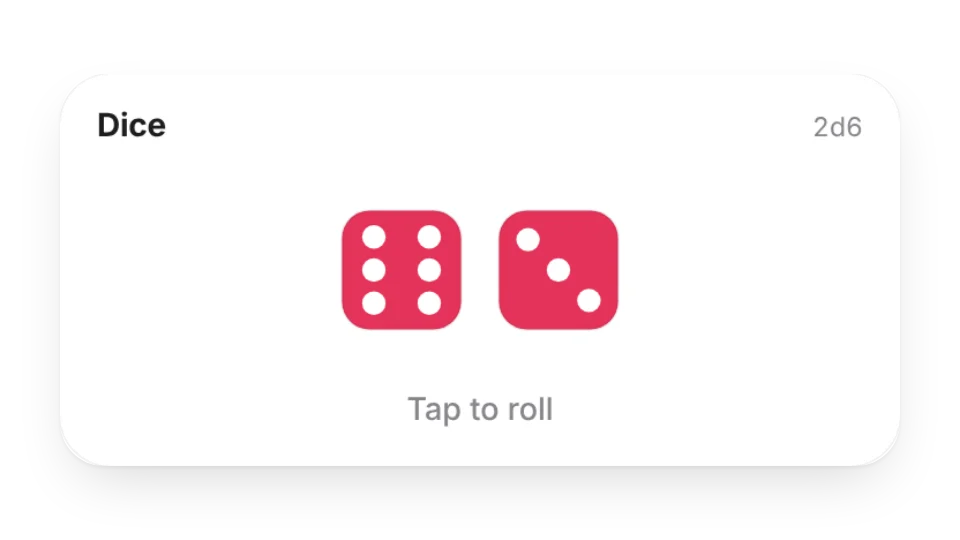 Dice RollerFor board games, tabletop RPGs, picking a number or deciding who pays: roll 1–6 dice (d4 to d20), flip coins or draw a random number in a range with one tap
 Mood TrackerTap how you feel each day on a 5-point scale. A month calendar and recent weeks fill in with color so you can see the last 30 days at a glance. Saved to My Data, or read from a Notion database
 Decision WheelCan't decide? Add your options and spin. Let the wheel pick what to eat or do today
 Typewriter AnimationProType out a list of phrases like a typewriter, with custom colors and speed
 LED MarqueeScrolling LED-style text
 Animated TextBring your name to life with animated text
Open a card, then click Create widget. You'll need to sign in — an email code is all it takes.
Change the text, colors, size and other options in the editor. The preview updates as you go.
Click Copy link, type /embed on a Notion page and paste it (or paste the link and choose Embed). Drag the corners to resize.