
Scenery covers that follow the time of day: aurora night, hot air balloons, firefly forest, star trails, a window seat, a pixel city, a rainy window, ocean waves and more. Copy the image link and paste it in Notion under Change cover → Link.
 Hot Air BalloonsColorful balloons drift up over rolling fields. The balloons change daily and the sky follows Beijing time
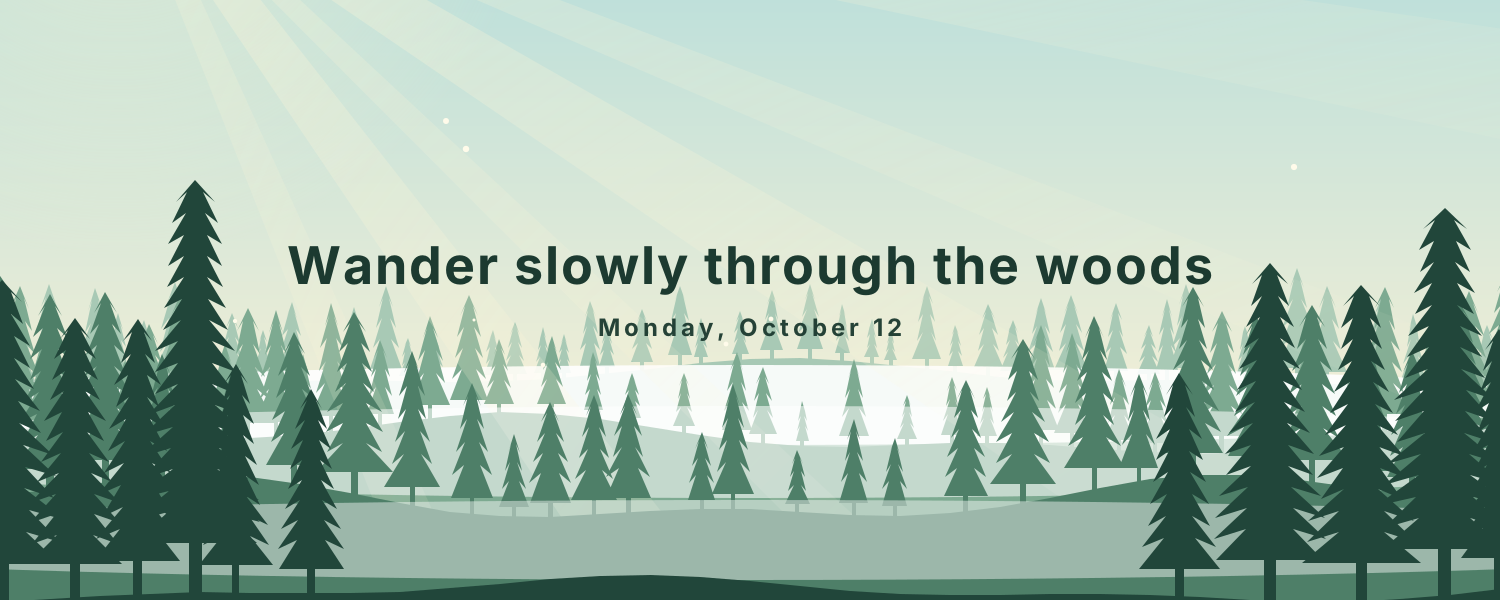 Firefly ForestLayered pines under a changing sky: fireflies and moonrise at night, sunbeams through the mist by day
 Star TrailsStar trails circle Polaris above the Milky Way and a glowing tent, with today's date and moon phase
 Window SeatA lo-fi desk by the window. The view goes from morning to dusk to city lights on Beijing time, with steaming coffee and a ticking clock
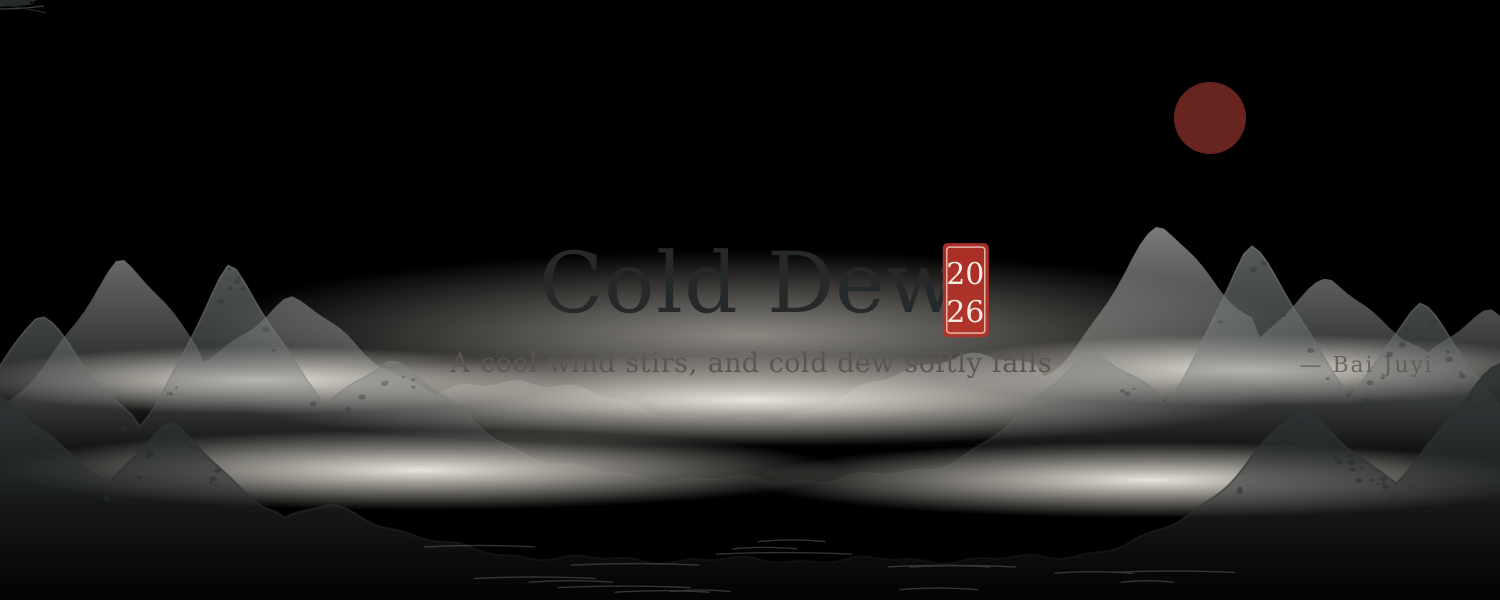 Ink LandscapeMist drifts through layered ink-wash mountains as cranes fly and a boat rocks, with lines of poetry for each solar term
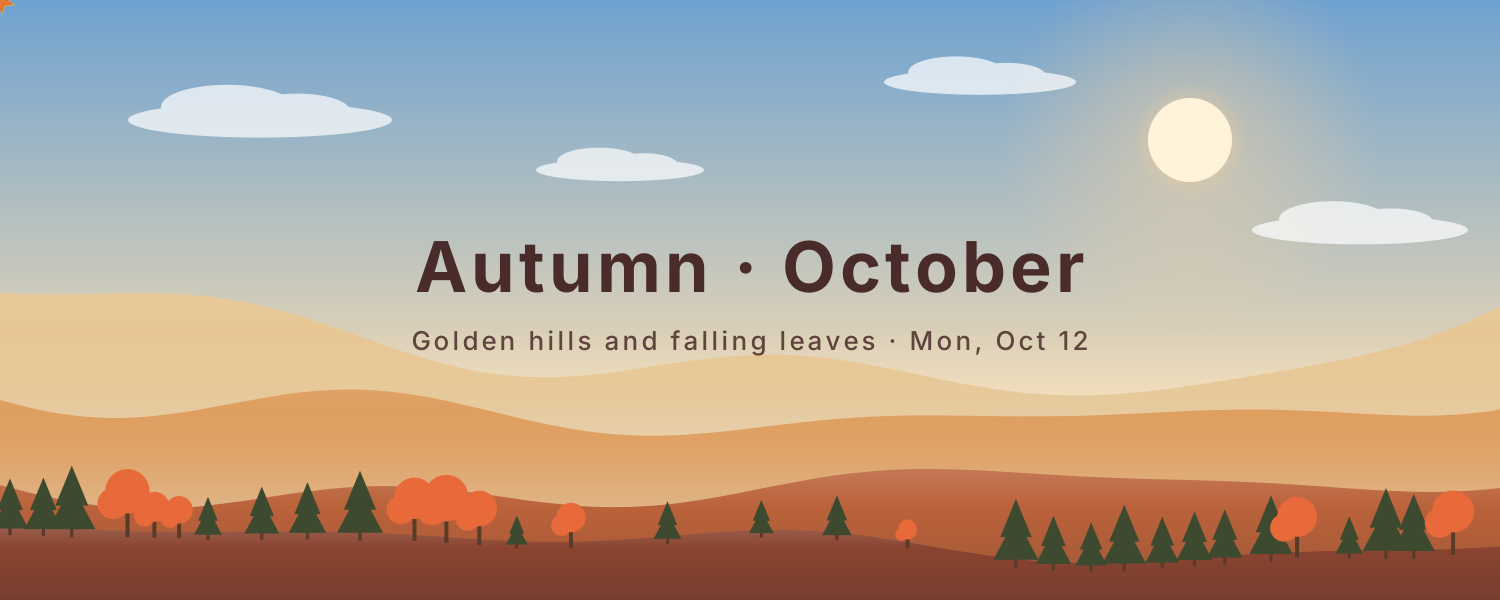 Seasonal HillsLayered hills change with the seasons: spring petals, summer fireflies, falling autumn leaves and soft winter snow
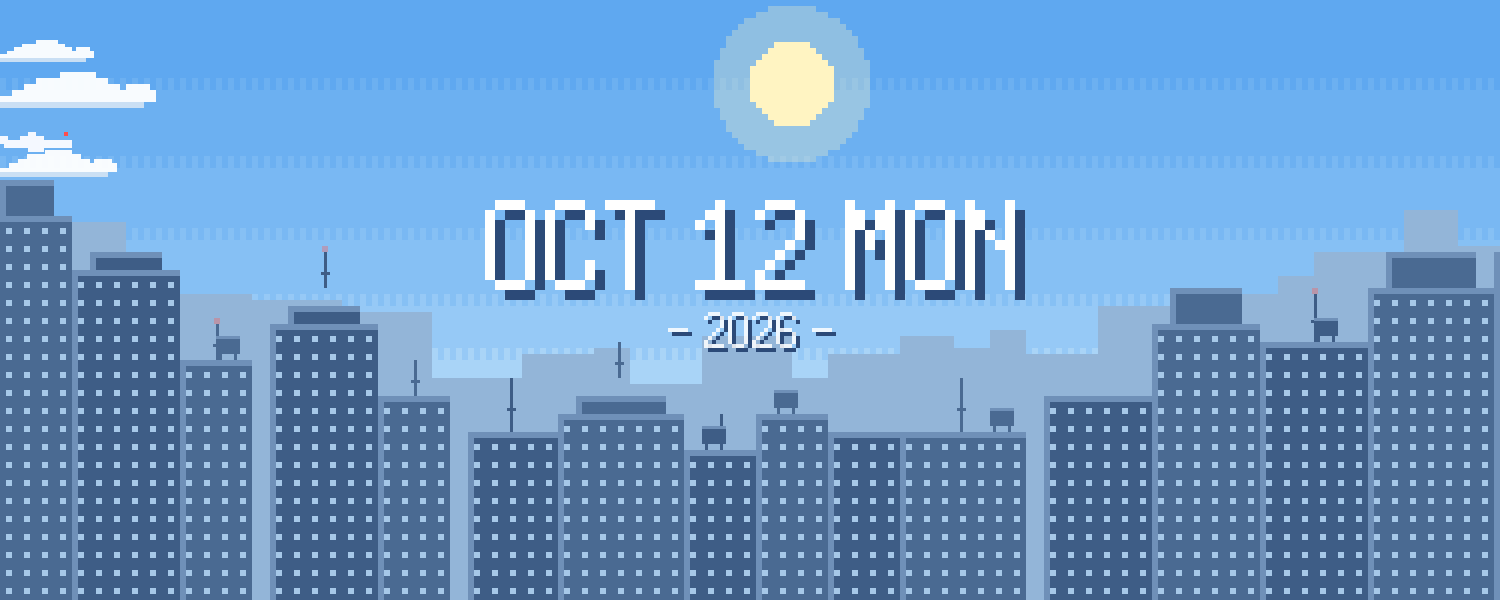 Pixel CityA pixel-art skyline that moves from day to dusk to night on Beijing time. Windows light up differently each night as clouds and planes drift by
 Sky CycleThe sky changes color through the day: pink dawn, blue noon, golden dusk and starry night, as the sun and moon arc overhead
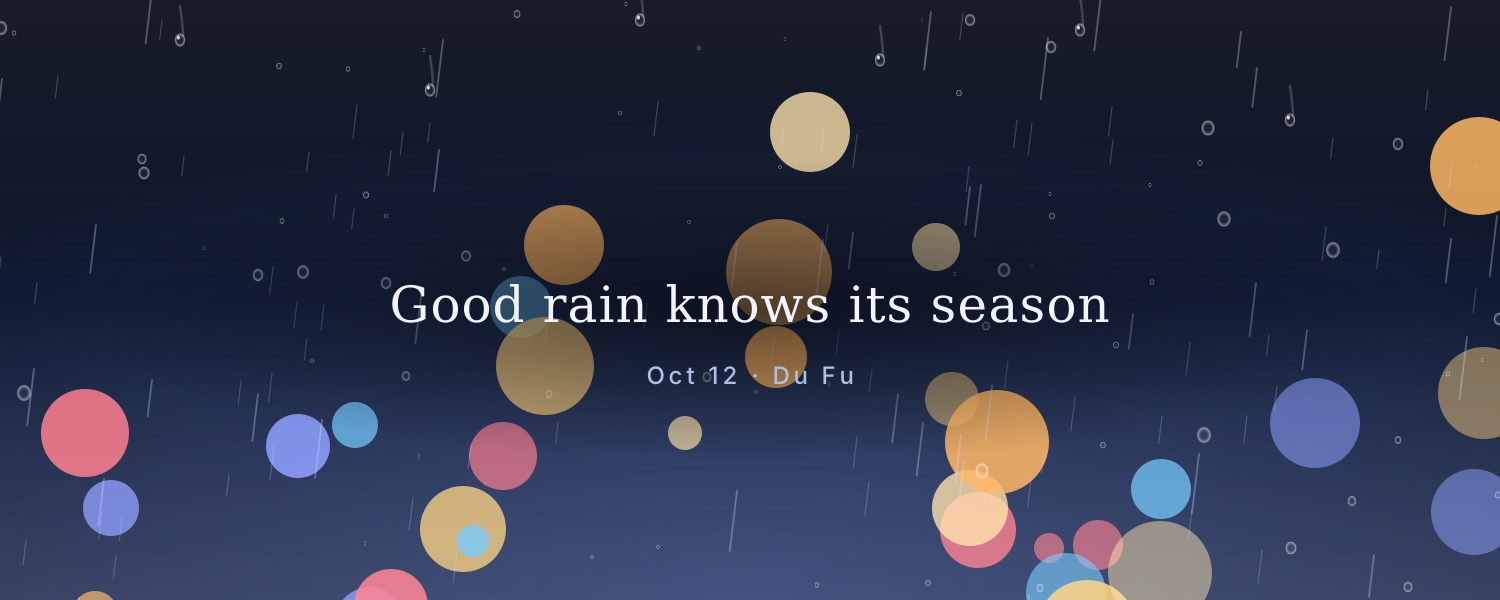 Rainy WindowCity lights blur behind a rainy window as drops slide down, with a gentle new message every day
 Ocean WavesLayers of waves roll in while the sky and sea change color from morning to night
 Aurora NightNorthern lights drift over snowy peaks and stars, with today's date and moon phase, updated daily
Choose one from the animated background library, click Create and sign in.
Set the title, date, colors and other options.
Copy the image link, then in Notion click Change cover → Link and paste it. The cover changes with the time by itself.